


Introducing SecureGauge — Free M365 Security Scorecard
How confident are you in your Microsoft 365 security posture right now — today, without opening a single admin center tab?
For most of us, the honest answer is “not very.” MFA coverage looks fine until you dig into who’s actually registered. Mailbox forwarding rules pile up quietly. SharePoint sharing links get created and forgotten. And by the time you go looking for problems, you’re already an hour deep into Entra, Exchange, and SharePoint admin centers trying to piece together a picture that should’ve taken five minutes.
That’s the gap SecureGauge is built to close.
What it does
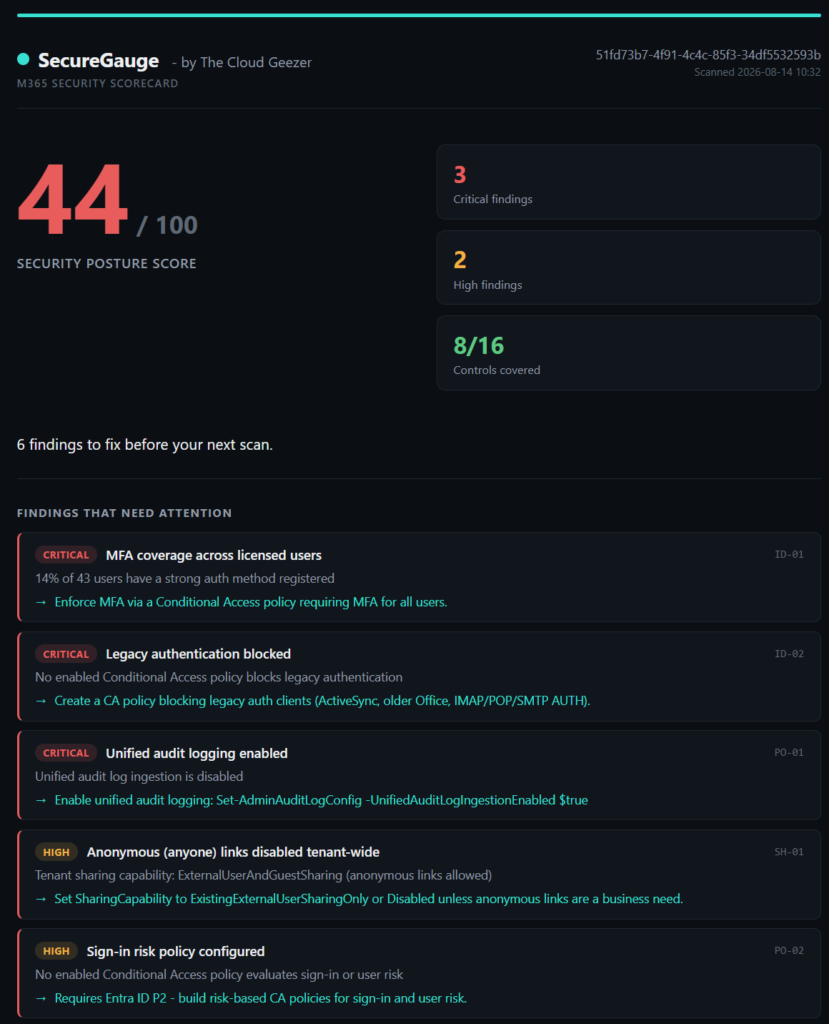
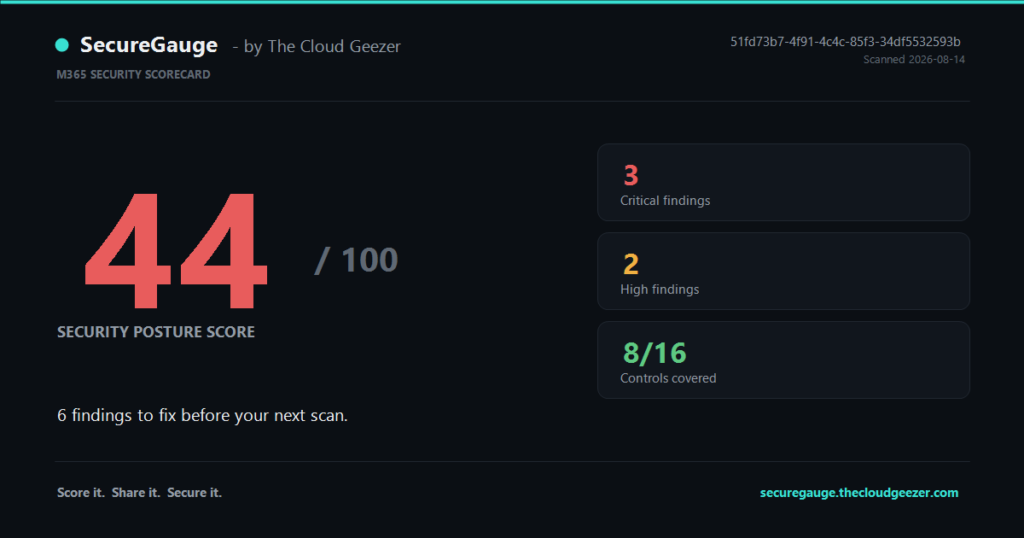
SecureGauge is a free, read-only PowerShell scanner that connects to your M365 tenant and hands you back a single number: a SecureGauge score out of 100, built from evidence, not guesswork.
https://securegauge.thecloudgeezer.com
Run it and it checks the things that actually matter for tenant security:
- MFA registration coverage — what percentage of your users are actually MFA-registered, via Microsoft Graph
- Stale direct admin accounts — enabled, directly-assigned high-privilege Entra accounts with no recent sign-in activity
- Mailbox forwarding (optional) — flags mailbox-level forwarding rules through Exchange Online
- External sharing policy (optional) — reviews tenant and site sharing settings through SharePoint Online
The baseline scan runs on Graph read scopes alone, so you get identity findings out of the box. The Exchange and SharePoint checks are optional add-ons, clearly labeled in the report — no surprises about what’s being read.
Evidence over alarmism
Every point deducted from your score maps to a specific, visible check and a practical remediation step. You’re not staring at a scary number with no context — you get a prioritized list of critical, high, medium, and informational findings, so you know exactly where to start.
Each scan produces a self-contained HTML report with a screenshot-ready scorecard, plus a PNG you can drop straight into a client email or a Slack channel.
Read the tenant. Change nothing.
This is the part I care about most: SecureGauge only ever requests delegated Microsoft Graph read permissions (User.Read.All, Directory.Read.All, AuditLog.Read.All, Reports.Read.All, RoleManagement.Read.Directory). It never creates, updates, deletes, or remediates anything in your tenant, and it won’t install modules or grant consent behind your back. Your tenant stays entirely in your control — SecureGauge just tells you what it sees.
Get it
It’s free, it’s read-only, and it takes minutes to run. Head over to SecureGauge to download the scanner and quick-start guide, run your scan, and see where your tenant actually stands.