



The most common questions in migrations with Microsoft 365 is always this…..
“Do you have any email templates for the communications?”
“What can we use to train our users on things like Teams or OneDrive?”
or
“Not sure what to send out and when, can you help with that?”
So, that’s why CloudOCM was born. It is a full OCM Guide, and contains:
* Full OCM Guide on Communications
* OCM Tracks showing different types of migration and what to send
* Email Templates to use to send communications to your userbase
* Video Training series with links to training that you can embed in your communications
Basically, it is the answer to the entire OCM strategy for communications and video based training, all in one place.
Have a look – https://cloudocm.com

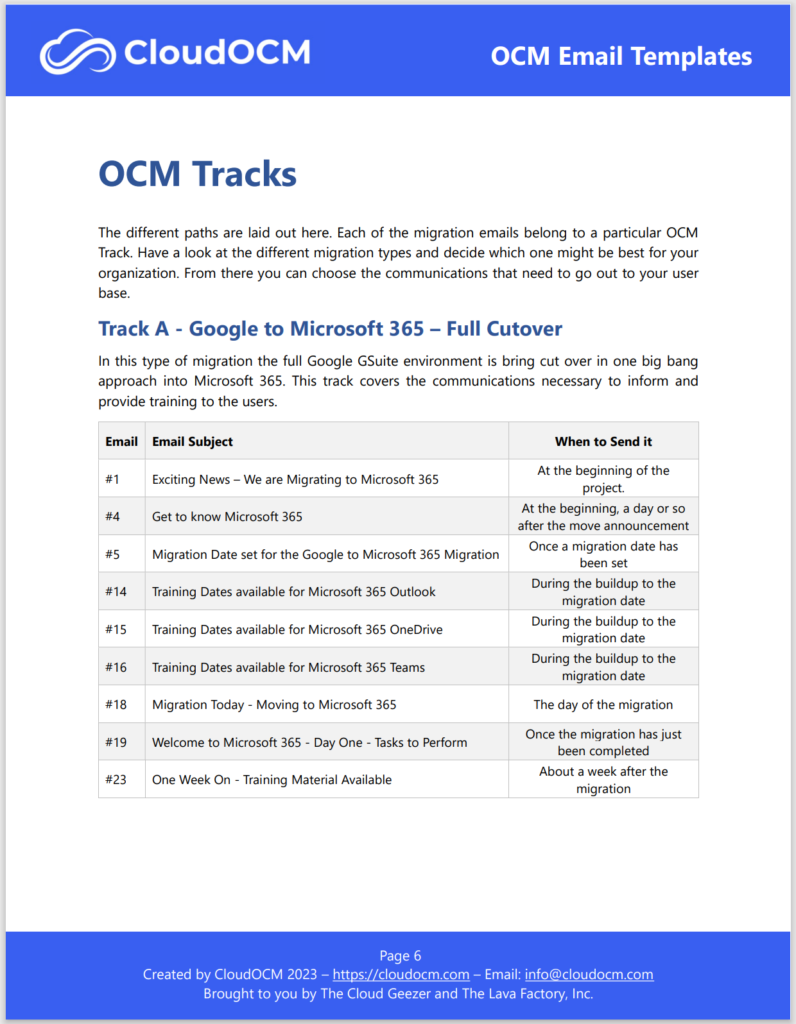
Here is an example of the content you expect in there.
This shows the first track, of a Google to Microsoft 365 migration with a full cutover, no coexistence. It lists out exactly what emails you need to send out to the user base and when. The emails are shown in the same documentation after the track information.
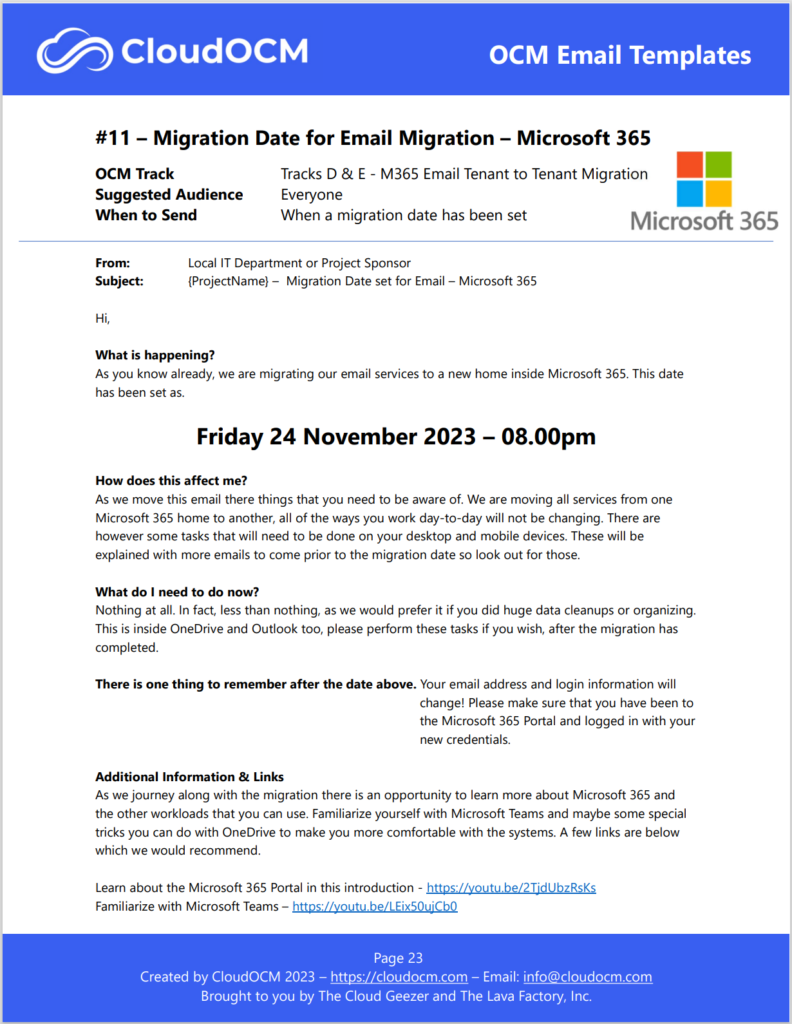
A sample of what one of the emails looks like. This one is for when you set the migration date for an email migration to Microsoft 365. Informative and simple, that’s the plan.
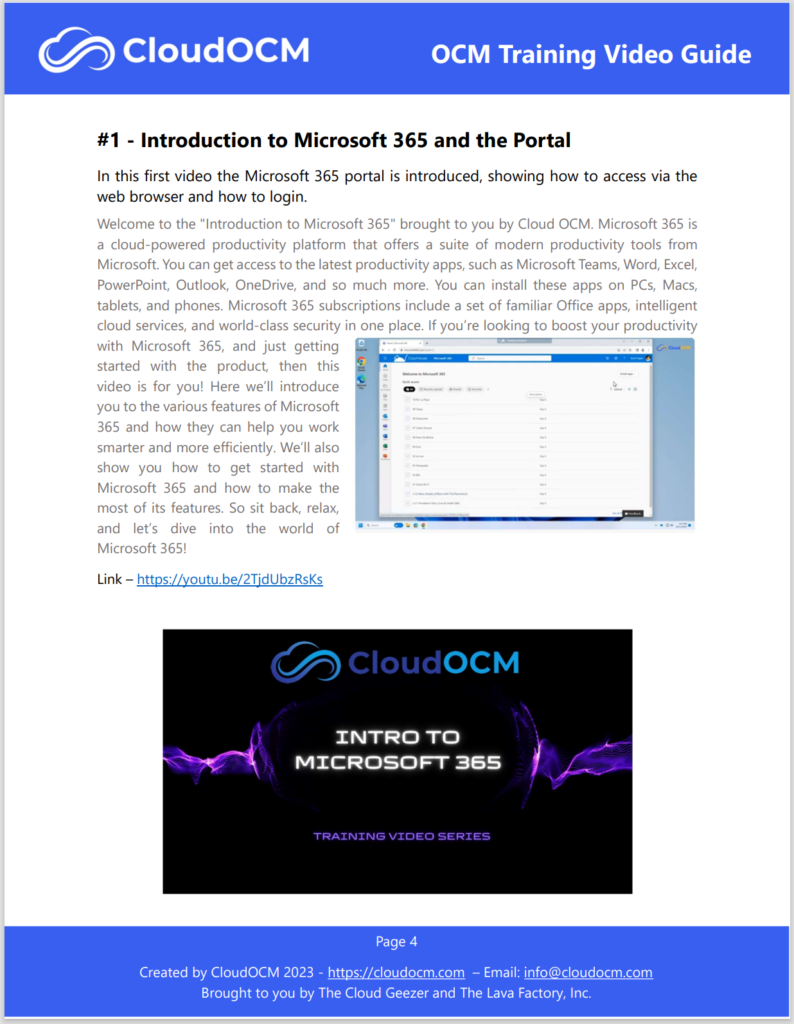
In the Video guide, all the videos are shown with the full description and links. You can take that link and embed it inside any email or communication you need.
The Video guide is also FREE by the way !!
Hope you enjoy the CloudOCM content, please contact me if you want anything added in there so we can look at it.
Mark – The Cloud Geezer
